Commit message template
Gitember can pre-fill the commit dialog with a message template — a subject line, a checklist, a ticket prefix, and so on.
The template is applied only when AI commit message generation is off. If File → Settings → AI → Enable commit message generation is checked, Gitember asks the local Ollama model for a message and does not insert the template.
Configuring the template
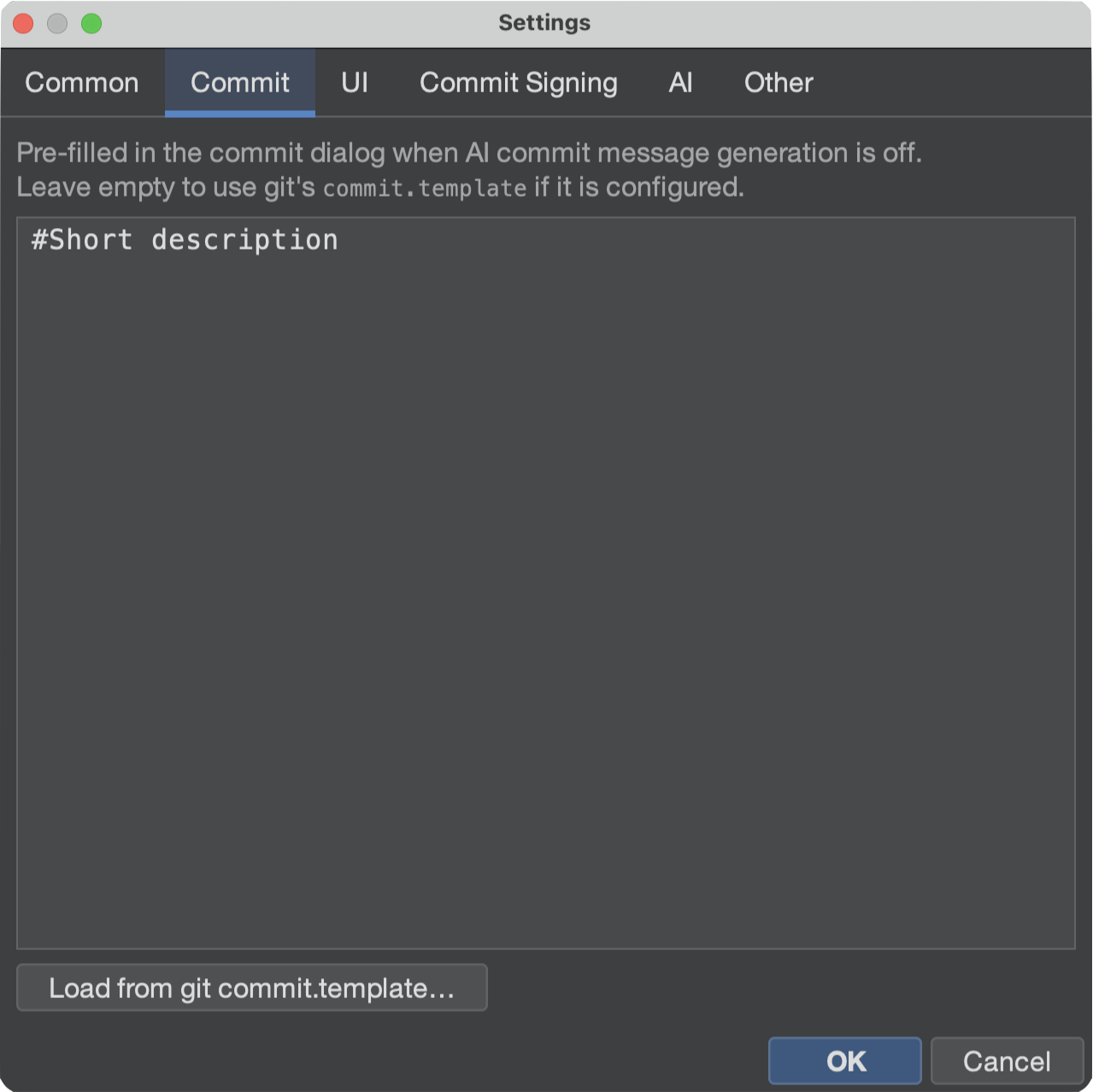
- Open File → Settings.
- Open the Commit tab.
- Type (or paste) the template text.
- Click OK.
Leave the field empty to fall back to Git's own commit.template (local repository config
first, then ~/.gitconfig). Load from git commit.template… copies that file into the
Gitember field so you can edit it without leaving the app.
When it is used
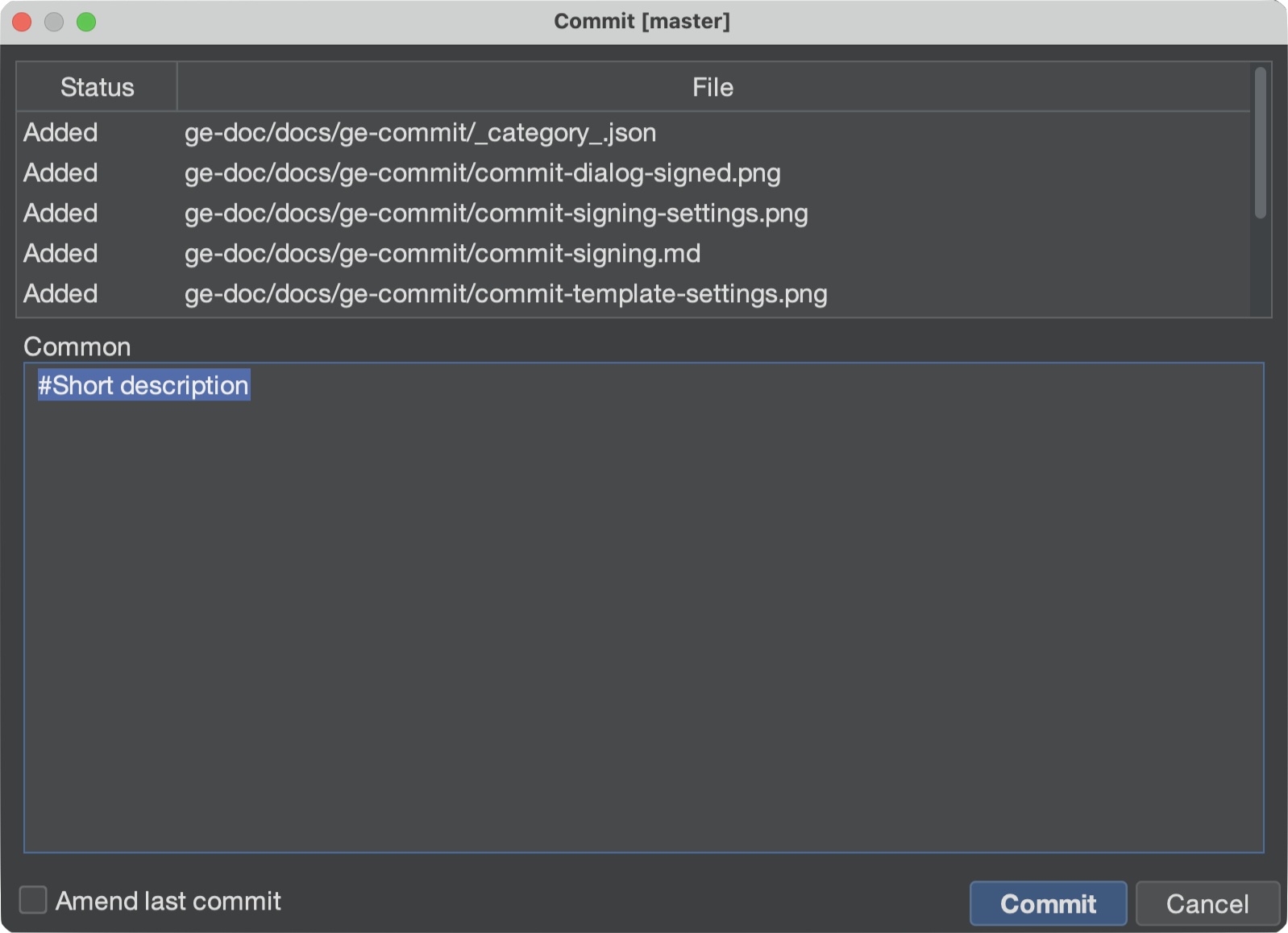
The commit dialog fills the message from the template when all of the following are true:
- Enable commit message generation (Settings → AI) is off.
- The message field is still empty.
- A template exists — Gitember's Settings text, or else
commit.templatefrom Git.
If AI generation is on, the dialog shows a generated suggestion instead. Turn that option off if you want the static template back.
Example
# Ticket:

# Why:

# Notes:
Lines that start with # are a reminder while you type; trim them before you commit if you
do not want them in history.
Summary
| Setting | Effect on the commit message |
|---|---|
| AI commit message generation on | Local LLM suggestion; template is skipped. |
| AI generation off, Gitember template set | That text is pre-filled. |
| AI generation off, Gitember template empty | Git commit.template is used if configured. |
| Both empty | The message field starts blank. |